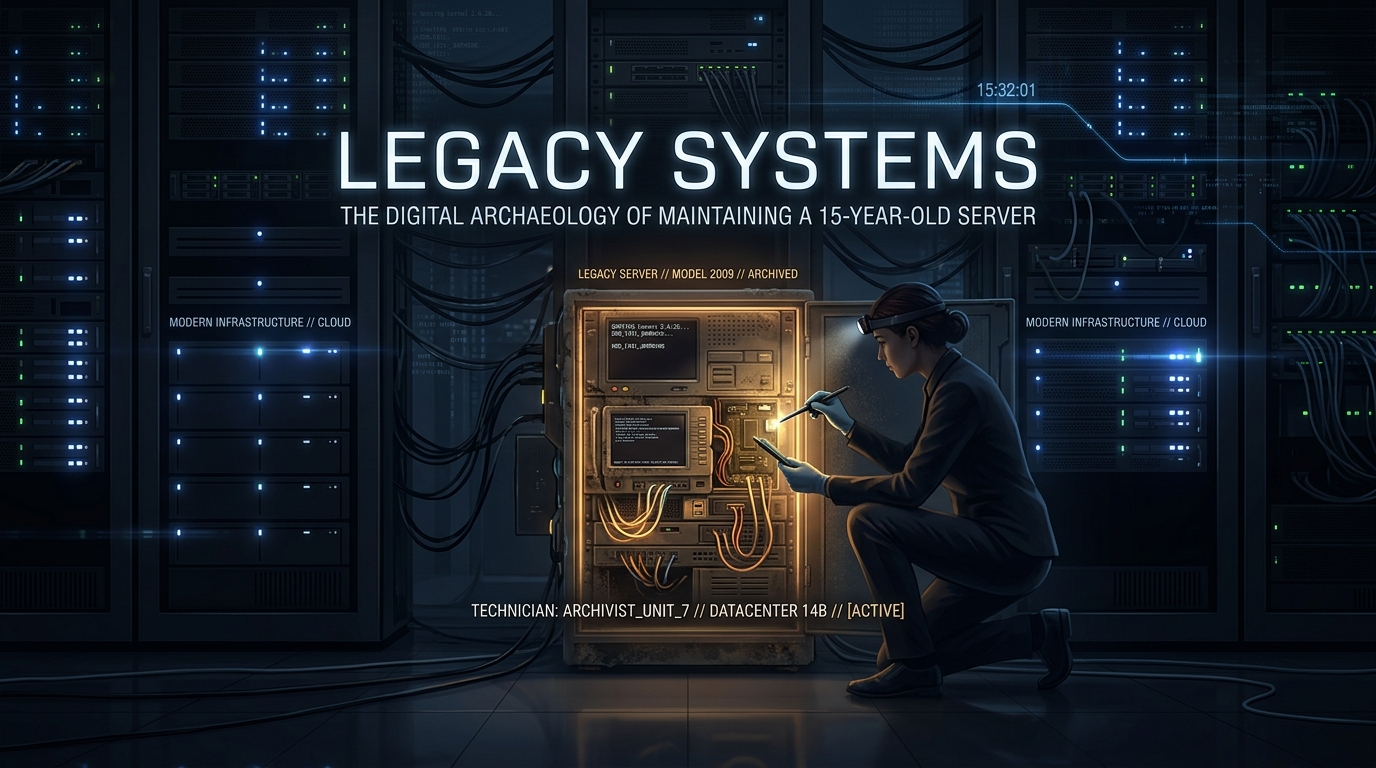
Legacy Systems: The Digital Archeology of Maintaining a 15-Year-Old Server
In the modern era of ephemeral infrastructure, Kubernetes clusters, and auto-scaling cloud groups, the concept of a “pet” server—a machine that has been running, un-rebooted, for half a decade—is often looked upon with disdain. However, many enterprise environments are built upon the foundation of legacy systems: those 15-year-old CentOS 5 or Debian 4 workhorses that power critical, forgotten business logic. Maintaining these artifacts is less like system administration and more like digital archeology.
When you are tasked with managing a server that predates the modern cloud, your philosophy must shift from “innovation” to “preservation.”
Prerequisites for Legacy Maintenance
- Out-of-Band Management: Access to physical console or IPMI/iDRAC. You cannot rely on modern SSH features for systems running legacy OpenSSL versions.
- Air-Gapped Repository Mirroring: You will likely need to build a local repository, as upstream mirrors for EOL (End-of-Life) distributions are almost certainly dead.
- External Storage: A dedicated, independent backup target (NFS or S3 bucket) that does not rely on the legacy machine’s kernel capabilities.
- Staging Environment: A virtualized mirror of the production box. Never execute a command on a 15-year-old server without testing it on a clone first.
The Risks: Why These Systems Fail
The primary threats to 15-year-old systems are not just hardware failure. It is the “software rot” induced by aging kernels, incompatible library versions, and the gradual decay of security protocols. You must assume that any network interaction with the outside world is compromised or will eventually be rejected by modern TLS handshakes.
The Backup Strategy: A Production-Grade Approach
Because the hardware is fragile, you must treat the filesystem like a brittle piece of ancient pottery. We will use a script that prioritizes atomicity and minimal disk I/O.
#!/bin/bash# Backup script for Legacy Archives
# Version: 1.0.0
# Author: Senior Sysadmin
set -euo pipefail
# Configuration
BACKUP_DIR=”/mnt/backup_storage”
DATE=$(date +%Y-%m-%d_%H%M%S)
LOG_FILE=”/var/log/backup_legacy.log”
SOURCES=(“/etc” “/var/www” “/home” “/var/lib/mysql”)
exec > >(tee -a “$LOG_FILE”) 2>&1
log() { echo “[$(date ‘+%Y-%m-%d %H:%M:%S’)] $1”; }
log “Starting backup process…”
# Check if mount point is alive
if ! mountpoint -q “$BACKUP_DIR”; then
log “ERROR: Backup target not mounted. Aborting.”
exit 1
fi
# Create tarball with compression
tar -czpf “$BACKUP_DIR/full_backup_$DATE.tar.gz” “${SOURCES[@]}” \
–exclude=’/var/lib/mysql/mysql.sock’
log “Backup completed successfully to $BACKUP_DIR.”
Restoration: The Digital Reconstruction
If the worst happens—be it a dying RAID controller or a corrupted filesystem—restoration is your only lifeline. Because these systems often rely on manual configuration rather than configuration management (like Ansible), your backups must be granular.
- Bare Metal Provisioning: Re-provision the OS on identical or compatible hardware.
- Mount the Archive: Attach your backup drive.
- Selective Extraction: Do not overwrite the entire root directory. Restore system config files (`/etc`) first, verify they work, then restore application data.
- Permissions Check: Legacy filesystems often used specific UID/GIDs that may not exist on a fresh install. Run
find / -nouserafter restoration to identify orphaned files.
Edge Cases: The “Gotchas” of 15-Year-Old Hardware
- Database Consistency: MySQL 5.0 or earlier does not handle power loss gracefully. If the server crashes, assume table corruption. Always run
mysqlcheck --repairpost-restoration. - Network Interruption: Modern MTU settings and TCP window scaling may cause performance issues or complete drops when communicating with modern network gear. If packets are dropping, check for negotiation mismatches on the switch port.
- Kernel Panics: If you perform an update, ensure you have a “known good” initrd. A 15-year-old kernel rarely survives a partial package upgrade.
Final Thoughts: The Exit Strategy
Maintaining a 15-year-old server is a necessary evil, not a long-term architecture. While you preserve the system, you must simultaneously build a replacement path. Document every undocumented “quirk” you find; in five years, the next person to inherit this server will rely on your notes as much as the code itself.
Treat the machine with respect, keep your backups verified, and never, ever attempt a kernel update on a Friday afternoon.
Leave a Reply