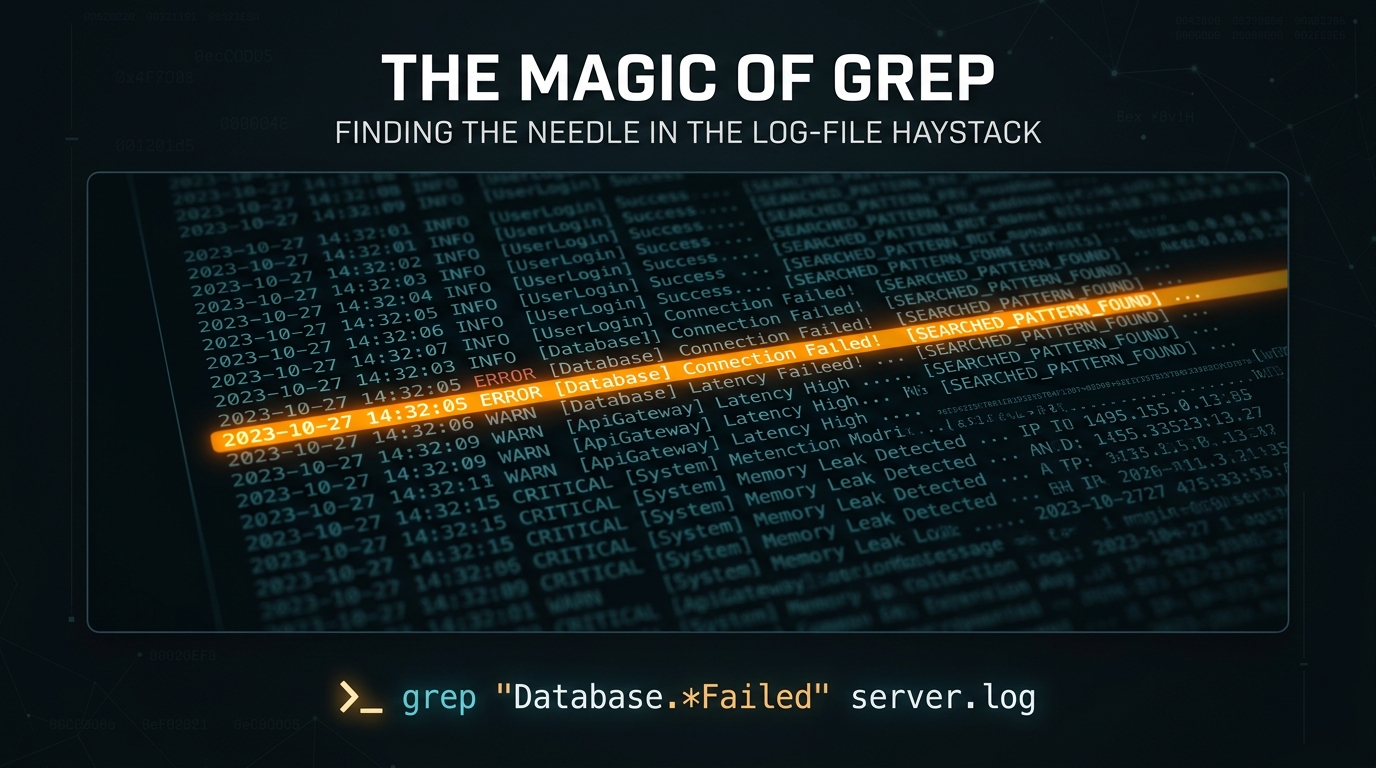
The Magic of Grep: Finding the Needle in the Log-File Haystack
As a Linux system administrator, you live and breathe log files. When a production server goes down or a service begins to exhibit erratic behavior, the solution is rarely hidden in a GUI; it is buried deep within the plain-text abyss of /var/log. This is where grep becomes your most indispensable tool.
What is Grep?
Grep, which stands for Global Regular Expression Print, is a command-line utility used for searching plain-text data sets for lines that match a regular expression. While it sounds simple, its power lies in its speed and its ability to act as a filter in a pipe-based workflow.
Basic Syntax and Essential Flags
At its core, grep follows a simple structure: search for a pattern within a target file. However, adding flags transforms its functionality significantly.
grep "error" /var/log/syslogTo become efficient, you should memorize these common flags:
- -i: Case-insensitive search.
- -v: Invert the match (show lines that DO NOT contain the pattern).
- -r: Recursive search through directories.
- -n: Show the line number where the match was found.
- -A: Show ‘n’ lines of context AFTER the match.
- -B: Show ‘n’ lines of context BEFORE the match.
Advanced Troubleshooting Techniques
When you are dealing with massive log files, simply finding the word “error” isn’t enough. You often need to see the sequence of events leading up to the failure. By combining flags, you can gain immediate insights.
If you need to find an error in an Apache access log and want to see the three lines that occurred immediately before the crash, use the -B flag:
grep -B 3 "500 Internal Server Error" /var/log/apache2/access.logThe Power of Pipes and Regex
The true magic of Linux administration is piping. Grep shines brightest when you feed it the output of another command. If you want to check if a specific process is running and exclude the grep command itself from the output, you can use a clever regex trick:
ps aux | grep [n]ginxBy putting the first letter of the process name in brackets, you prevent the grep command from identifying itself as a match in the process list. This is a classic “pro-tip” that keeps your terminal output clean.
Conclusion
Grep is more than just a search tool; it is a diagnostic lens. By mastering regular expressions and piping, you reduce the time spent “hunting” for issues and increase the time spent “fixing” them. Whether you are parsing thousands of lines in a production environment or just auditing local config files, grep remains the gold standard for text processing in the Linux ecosystem.
Leave a Reply