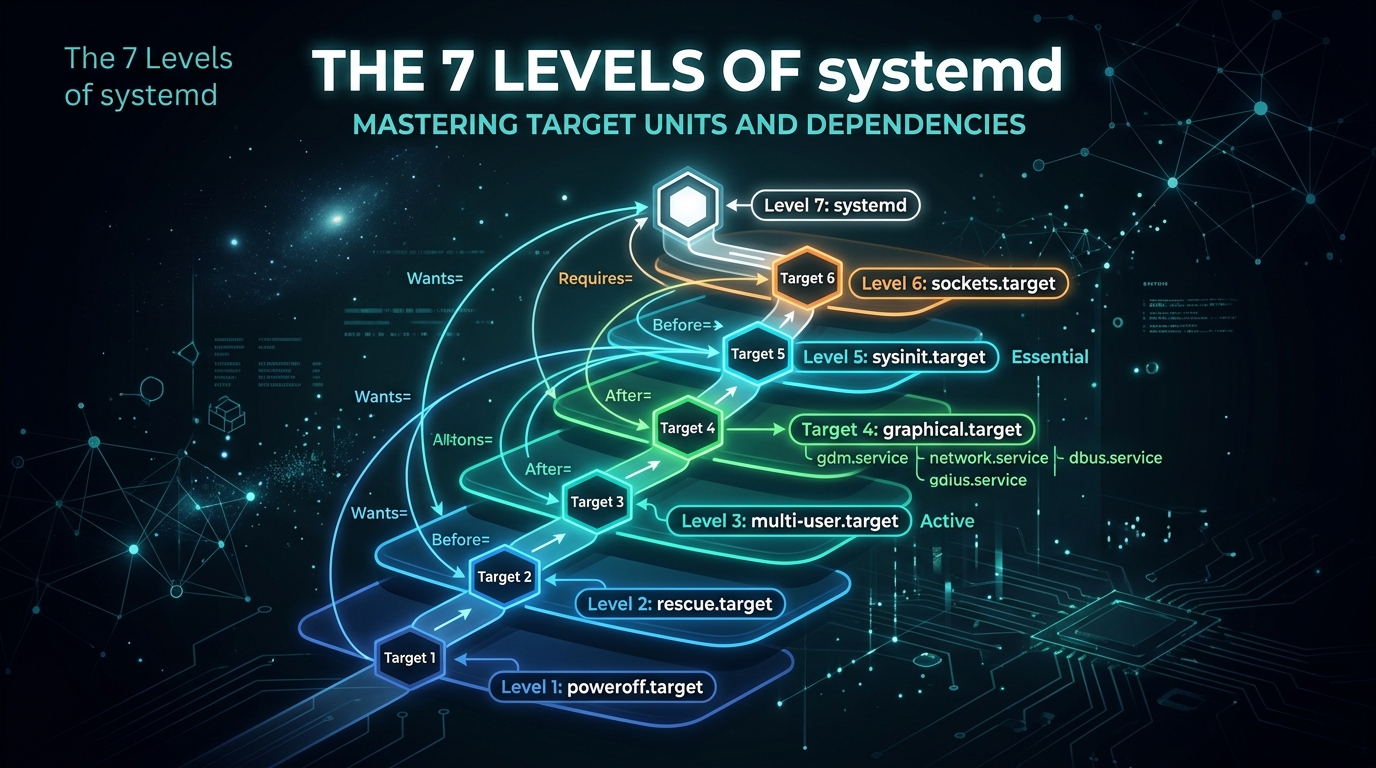
The 7 Levels of systemd: Mastering Target Units and Dependencies
In the ecosystem of modern Linux distributions, systemd has replaced the legacy SysVinit system. Understanding how it manages the boot process is essential for any System Administrator. At the heart of this architecture are Target Units. These units act as synchronization points, defining the state of the system by grouping services together.
While the old runlevel system used a simple integer scale (0-6), systemd uses descriptive names. However, these targets still map functionally to those traditional levels. Here is how to navigate and master them.
The Standard Systemd Targets
- poweroff.target (Level 0): The state where the system is completely powered down.
- rescue.target (Level 1): A minimal environment with a single-user shell, useful for system recovery and emergency maintenance.
- multi-user.target (Level 3): The standard operational mode for servers. It provides a non-graphical multi-user environment.
- graphical.target (Level 5): The desktop-oriented mode, which includes the multi-user environment plus graphical display managers.
- reboot.target (Level 6): The state that triggers a system restart.
Managing Targets with systemctl
As an administrator, you will frequently need to check the current default target or switch between them dynamically. Systemd makes this straightforward with the systemctl command.
To view the current default target, use:
systemctl get-defaultIf you need to change the system default (for instance, booting into a CLI environment instead of a GUI on a server), you can set it permanently:
systemctl set-default multi-user.targetTo isolate a target immediately without rebooting, you can use the isolate command. Caution is advised, as this stops all services not required by the target:
systemctl isolate rescue.targetUnderstanding Dependencies
Target units are essentially collections of symbolic links. When you target “multi-user.target,” systemd checks the “Wants” and “Requires” dependencies. These are stored in directories such as /etc/systemd/system/multi-user.target.wants/.
You can inspect which services are associated with a specific target using the list-dependencies command:
systemctl list-dependencies multi-user.targetWhy Dependencies Matter
Mastering these levels allows you to optimize boot times and troubleshoot complex startup failures. If a service is failing to start, it is often due to an unmet “After=” or “Requires=” dependency defined in the unit file. By auditing the target dependencies, you can identify exactly which component is stalling the system boot process, ensuring your infrastructure remains robust, predictable, and maintainable.
Leave a Reply